If you sell fashion online, you already know this: your listing images do most of the selling.
Before a customer reads your product title, checks your price, or compares shipping time, they judge one thing first the photo. On marketplaces and on your own website, the image is your “first handshake.” If it looks unclear, inconsistent, or low-effort, shoppers scroll away. If it looks clean and believable, they click, explore, and buy.
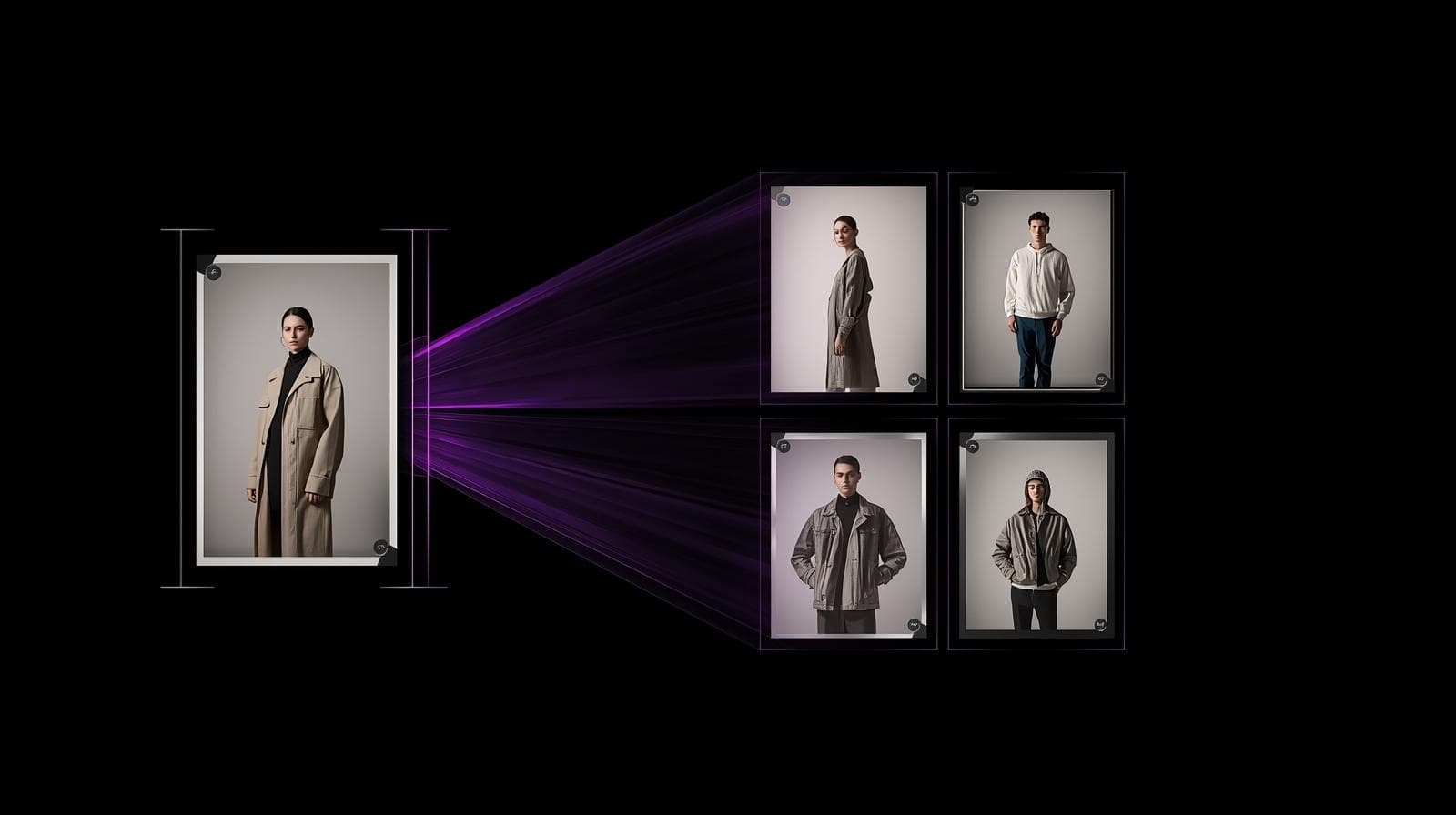
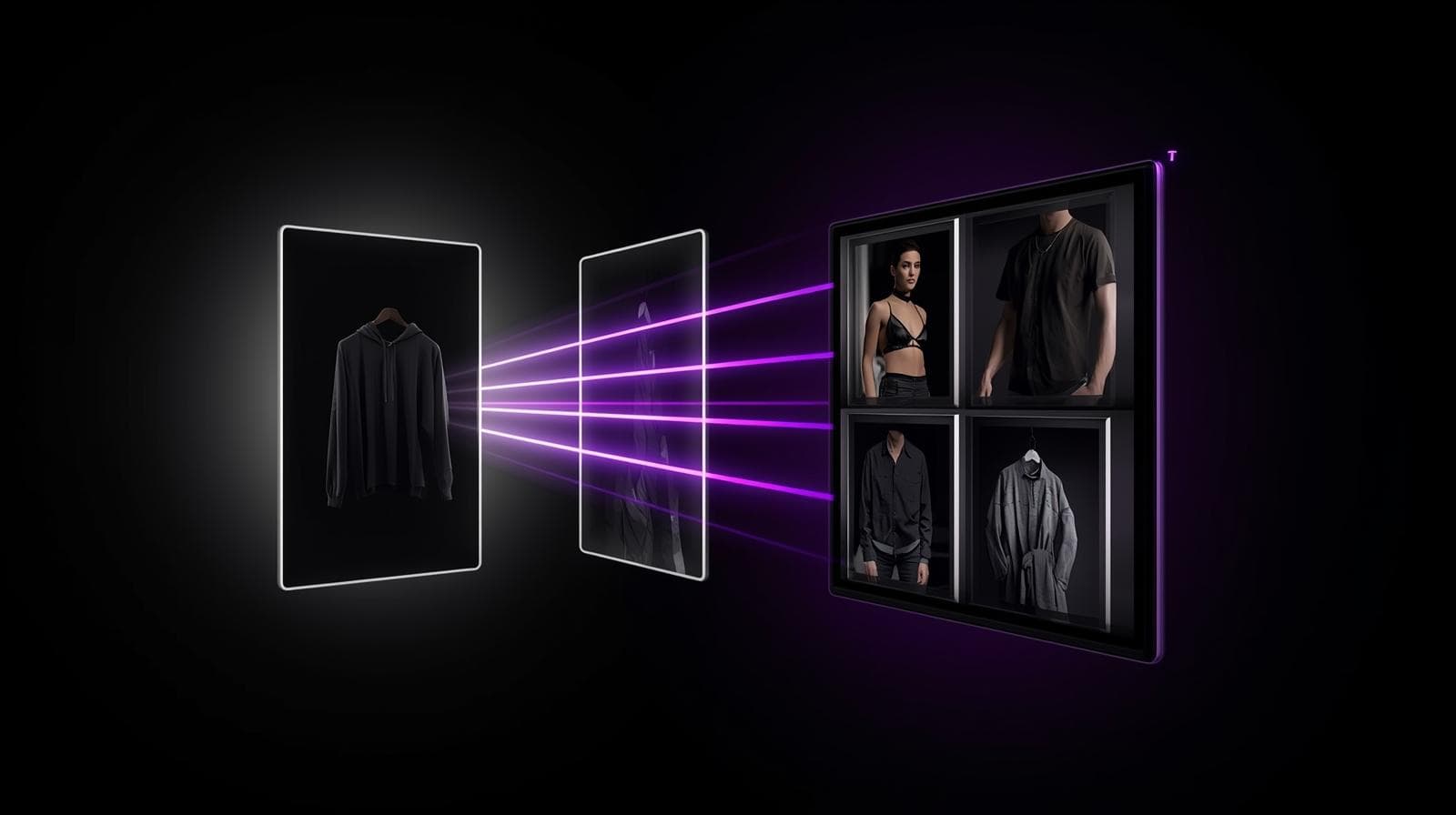
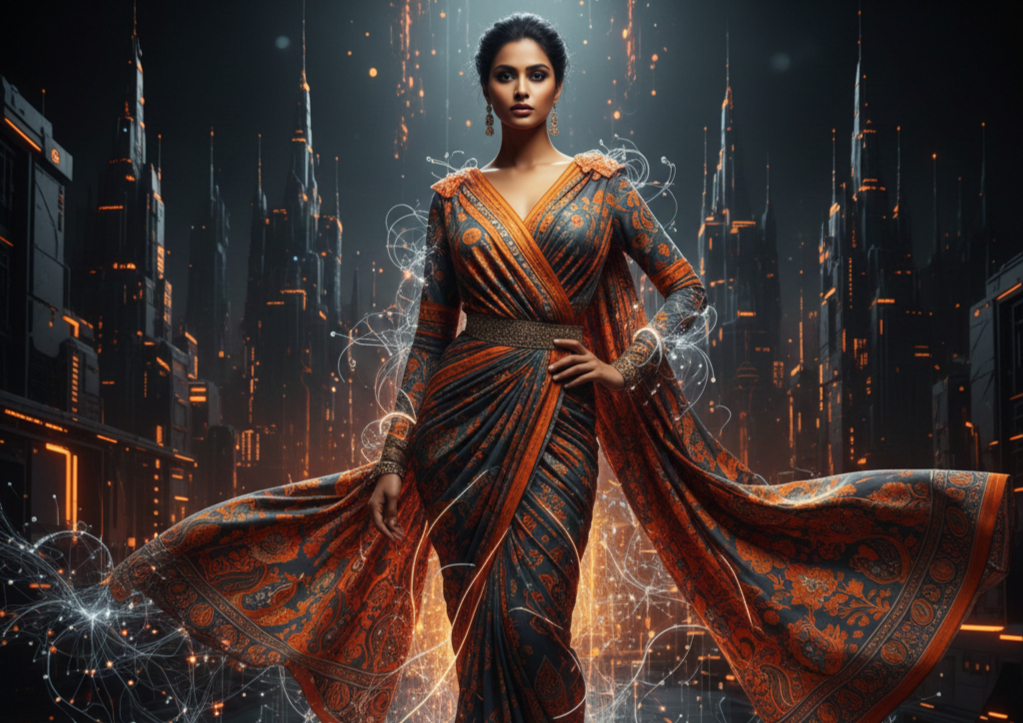
That’s exactly why we built an AI catalog generator that turns one garment photo into six realistic catalog-style images in minutes without a photoshoot, without a studio, and without heavy editing. You upload a cloth/garment photo, choose whether you want to upload a model or auto-generate one, and you get a complete set of product listing images that are ready for ecommerce.
You can try the catalog workflow here: Tameta Textile AI Catalogs. Tameta Textile AI
Why this matters right now
Fashion ecommerce is crowded. Your product often appears next to 20 similar items. Most sellers compete on price, but buyers choose based on confidence. And confidence comes from visual proof:
-
“How does it look on a person?”
-
“Is the fabric quality clear?”
-
“Does it look like the real product?”
-
“Will it match what I’m expecting?”
Your images answer these questions faster than any description can.
When you consistently publish clear ecommerce catalog photos, two things usually happen:
-
More people click your listing (because it looks professional in the grid).
-
More people buy (because the images reduce doubt).
This is why platforms like Flipkart highlight lighting clarity and authenticity in product photography guidance. Flipkart Seller
What an AI catalog generator actually does
An AI catalog generator is a tool that converts a single product photo into multiple listing-ready visuals with consistent framing, clean backgrounds, and realistic catalog presentation. Instead of doing the old workflow shoot, retouch, resize, crop, repeat you create a catalog set in one go.
You can think of it as a fashion product photography alternative designed for sellers who need speed, scale, and consistency.
And for fashion, it becomes even more powerful when you add model visualization because that’s where buyers understand fit, fall, and overall look.
Our catalog generator is designed around one simple idea:
You should be able to create a complete catalog from a single garment photo.
That’s why the workflow is intentionally simple.
The simple workflow: garment photo → 6 catalog images
Step 1: Upload one garment image (required)
Upload a clear photo of your garment (kurti, shirt, t-shirt, dress, blouse, etc.). Good lighting helps, but you don’t need expensive gear.
Step 2: Choose your model option (two ways)
You get two options:
-
Upload a model
If you already have a model photo (and permission to use it), upload it. This is perfect when you want consistent branding or a familiar “brand face” across your store. -
Auto model generate
If you don’t want to upload a model, the system generates one automatically. This works like an AI model photoshoot no setup, no hiring, no reshoots. Tameta Textile AI
Step 3: Generate 6 different catalog-style images
The output is six different catalog visuals so your listing looks complete across marketplaces and your own store. Tameta Textile AI
Step 4: Use them anywhere
These product listing images can be used for:
-
your website product pages
-
social posts and ads
-
WhatsApp catalogs
-
and marketplace listing galleries (including Flipkart listing images and Meesho product photos, based on the style you choose and the platform’s rules)
Why “6 images” is the sweet spot for ecommerce
Many sellers try to find one perfect hero image and stop. But shoppers don’t buy from one angle they buy from understanding.
A complete image set helps you cover the buyer’s mental checklist:
-
full view so they understand the product instantly
-
on-model view so they imagine themselves wearing it
-
close-up view so they trust the fabric and finishing
-
alternate views so they feel “nothing is hidden”
This aligns with well-known ecommerce UX research: shoppers rely heavily on product page visuals, and improving product page UX is a major lever for ecommerce performance. Baymard Institute+1
What kinds of catalog styles do the 6 images include?
Exact styles can vary by garment type and catalog template, but a strong 6-image set typically covers combinations like these:
1) Clean marketplace-style image (simple background)
This is usually your best “thumbnail winner.” It reads clearly in search grids, category pages, and recommendation carousels.
2) On-model pose image (fit + fall)
This is where an AI model photoshoot shines. Buyers quickly understand drape, length, sleeves, and overall silhouette especially important in fashion.
3) Premium minimal/lifestyle background (brand feel)
For your website, Instagram, and premium presentation, a minimal lifestyle look can feel more “brand-like” than a plain background.
4) Fabric or detail close-up (trust + quality)
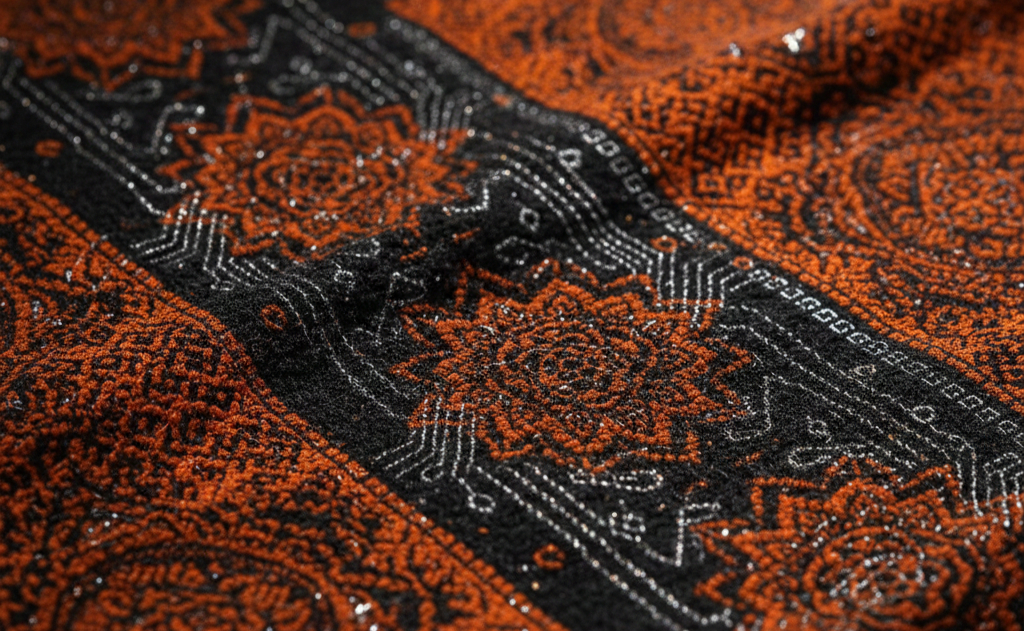
This reduces hesitation. A close-up helps buyers trust texture, embroidery, print sharpness, or weave.
5) Alternate crop (neckline / sleeves / pattern focus)
Many returns happen because buyers didn’t clearly see a key detail. This image solves that.
6) Consistent framing variant (catalog consistency)
If you sell many SKUs, consistent style across products makes your store feel bigger, cleaner, and more professional. This also supports the “catalog look” that wholesalers and resellers expect similar to using a garment mockup generator approach for consistency.
Built for real seller workflows (not just “AI demos”)
An AI tool is only useful when it matches real-life selling needs. Sellers typically use the AI catalog generator in three common ways:
1) Daily listing speed
If you upload new designs daily (or multiple per week), photos become a bottleneck. AI removes that bottleneck so listing stays consistent.
2) Bulk catalog creation
For wholesalers, boutiques, and manufacturers, catalogs aren’t optional. Buyers want to browse fast. A 6-image set per SKU makes your catalog feel complete and purchase-ready.
3) Testing new products faster
Many sellers waste time perfecting images for products that won’t sell. AI helps you launch faster, learn faster, and invest more in the winners.
Marketplace readiness: Flipkart and Meesho sellers
If you’re building Flipkart listing images or Meesho product photos, the goal is the same: clarity, authenticity, and compliance.
Flipkart’s seller content on product photography emphasizes good lighting, clear visibility, and authentic presentation (not too bright or too dark, and maintain realism). Flipkart Seller
Meesho’s supplier learning resources encourage sellers to upload sharp, clear images of the front of their products during catalog upload. supplier.meesho.com+1
The practical takeaway is simple:
-
Use clean, clear images as your first/primary images
-
Use model/detail images as supporting images to increase confidence
-
Always follow the latest platform rules for size/background/do-don’t (these can change over time)
How to get the most realistic outputs from your garment photo
You don’t need a professional camera. A good smartphone photo is enough if you follow a few basics:
-
Use even lighting: daylight near a window is perfect
-
Avoid harsh shadows: shadows hide details and confuse AI + shoppers
-
Keep the garment centered: full view helps best results
-
Don’t over-edit: too much filter can distort color and texture
-
Show true color: accurate color reduces returns and negative reviews
Think of it as: you’re not shooting “cinema,” you’re shooting “clarity.”
How this fits into the bigger Tameta Textile AI journey
Catalog creation is one part of a larger ecommerce visual workflow:
-
create garment visuals
-
generate listing-ready catalogs
-
build buyer confidence
-
improve conversion rate and reduce returns
If you want to explore related Tameta Textile AI content (and use it as internal linking in your SEO strategy), here are verified internal pages you can link inside your blog cluster:
-
Main catalog tool: AI Catalogs Tameta Textile AI
-
Blog hub: Tameta Textile AI Blog Tameta Textile AI
-
News hub (for AI + textile updates): Tameta Textile AI News Tameta Textile AI
-
Related blog (supports the story of visualization → confidence): From Fabric to Virtual Try-On Tameta Textile AI
-
Related blog (explains core tech to users): How Fabric-to-Garment AI Works Tameta Textile AI
Tip: internally link these naturally (not in a big list) at the moment they’re relevant Google values contextual internal links more than “link dump” sections.
Conversion rate tips: how better images turn into more orders
You asked specifically for tips to grow conversion rates so here’s a practical, seller-friendly playbook (no theory, just what to do).
1) Make image #1 a “decision image”
Your first image should answer: “What is this product?” in one second.
-
clean background
-
full garment visible
-
no confusion
-
consistent crop
On marketplaces, your first image is often the thumbnail so this one matters the most.
2) Use image #2 to remove the biggest doubt
The second image should remove the biggest reason someone might not buy.
-
If doubt = fit → use on-model image
-
If doubt = fabric quality → use close-up fabric detail
-
If doubt = “will it look cheap?” → use premium minimal style
3) Use at least one “in-scale” image
Buyers struggle when they can’t understand size or proportions. Ecommerce UX research commonly recommends including at least one “in-scale” visual so shoppers can judge size more accurately. Baymard Institute
In fashion, the simplest “in-scale” method is on-model imagery.
4) Keep framing consistent across your whole store
Consistency is underrated. A store with consistent catalog styling looks more trustworthy, even if prices are the same as competitors.
This is where an AI catalog generator gives you a brand-like look across hundreds of SKUs.
5) Pair images with simple, fast-to-scan copy
Your images attract; your bullets close.
Use 4–6 bullets maximum:
-
fabric type
-
fit type (regular/slim/relaxed)
-
key detail (embroidery/print/neckline)
-
occasion (daily/party/festive/office)
-
wash care
-
what’s included (top only / set / etc.)
6) Speed matters: optimize images for loading
If you sell on your own website, image optimization directly affects UX and conversion. Shopify’s guidance on image optimization (including strong alt text and practical optimization steps) is a good starting point. Shopify
Fast pages keep shoppers browsing longer especially on mobile.
7) A/B test your hero image (if you control your storefront)
On your own site, test two different hero image styles:
-
clean studio vs premium minimal
-
on-model hero vs flat-lay hero
-
front view vs best-angle view
Over time, you’ll find what your audience responds to.
8) Reduce returns by showing “truth images”
Returns often happen because the buyer imagined something different.
One fabric close-up, one neckline/sleeve crop, and one on-model image can reduce misunderstanding leading to better reviews and repeat buyers.
9) Treat your images as an asset, not a cost
The mindset shift that scales ecommerce:
-
Photos are not decoration.
-
Photos are sales infrastructure.
If images are strong, you can run ads, build catalogs, pitch wholesalers, and grow faster without rebuilding content every week.
External resources for ecommerce growth and marketplace management
To strengthen this blog with credible external references (and give readers real next steps), you can link to these:
-
Flipkart seller guidance on product photography: Flipkart Seller Blog – Product Photography Flipkart Seller
-
Meesho supplier lesson for single catalog upload: Meesho Learning Hub – Single Upload supplier.meesho.com
-
Shopify CRO overview (conversion levers, including product photography): Shopify – Conversion Rate Optimization Shopify
-
Shopify enterprise CRO strategies: Shopify Enterprise – Ecommerce CRO Strategies Shopify
-
Baymard product page UX research hub: Baymard – Product Page UX Baymard Institute