If you sell garments online, you already know the biggest “silent killer” of sales isn’t always price, shipping, or ads. It’s hesitation.
A shopper lands on your listing and thinks:
-
“Will this actually look like the photo?”
-
“How will it fit on a real person?”
-
“Is the fabric quality good or is it edited?”
-
“Can I trust this seller?”
In fashion ecommerce, the fastest way to remove hesitation is clear, consistent product visuals—the kind that feel like they came from a real catalog shoot.
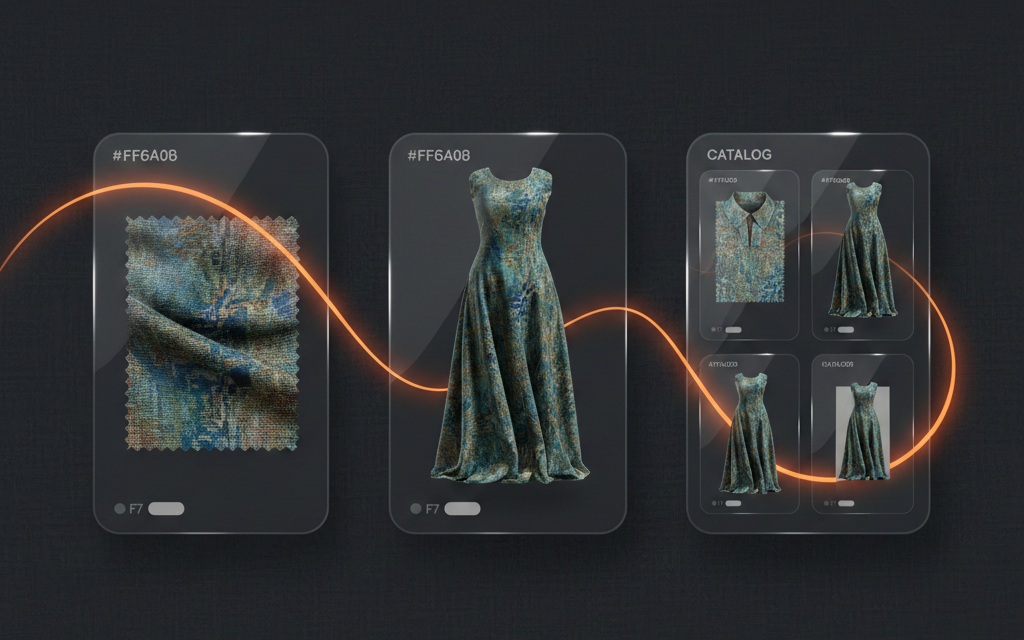
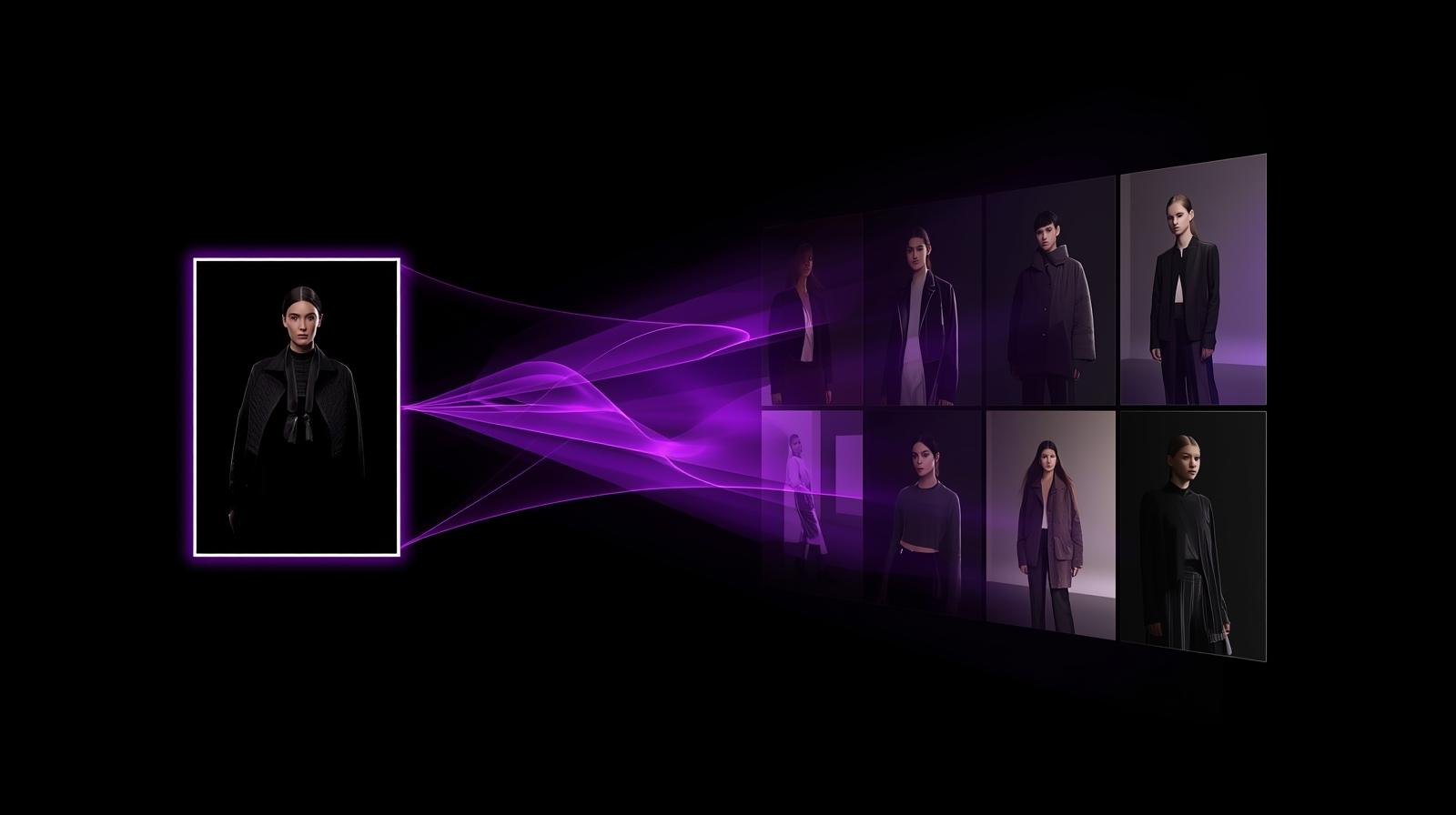
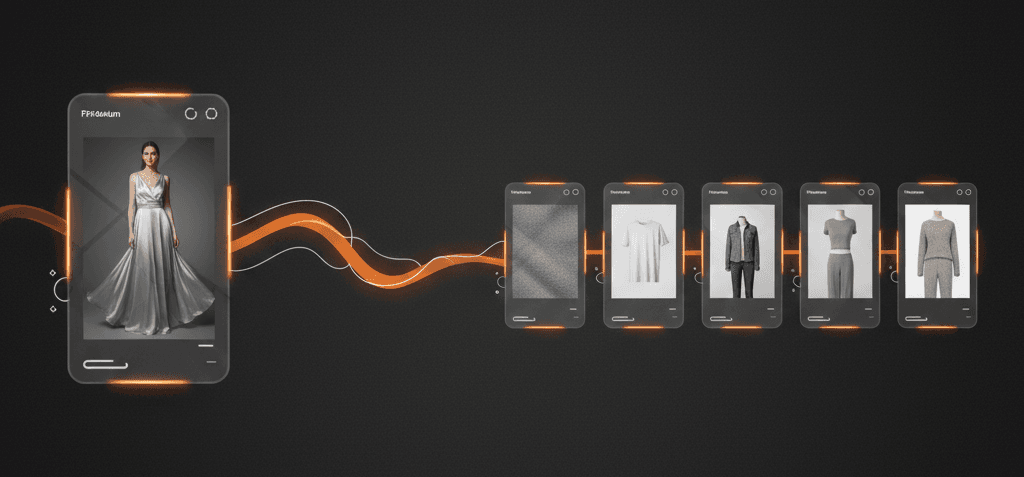
That’s why an AI catalog generator has become a practical tool for sellers, boutiques, manufacturers, and D2C brands. Instead of arranging a shoot for every new SKU, you can upload a single cloth/garment image and generate a complete set of product listing images that are ready for marketplaces and websites—fast.
Tameta Textile AI’s catalog workflow is built around exactly that: creating realistic model catalogs from one garment photo, with export options for real ecommerce work. Tameta Textile AI
Why product images now decide ecommerce growth
On mobile-first shopping, images are not decoration—they’re the product experience. Google’s consumer research consistently shows that product pictures and information are important factors when shoppers decide where to buy. Google Business And Think with Google highlights how heavily shoppers rely on product images during smartphone shopping. Google Business
This matters even more in India, where value-conscious marketplaces like Flipkart and Meesho compete on trust and speed. If your listing images look unclear, cropped badly, or inconsistent, you lose clicks in search results and lose conversions on the product page.
So the real question becomes:
How do you produce high-quality ecommerce catalog photos at scale without increasing photoshoot cost every week?
That’s where AI catalog generation fits perfectly.
What is an AI catalog generator?
An AI catalog generator is a tool that transforms a garment/cloth image into multiple catalog-style visuals that look like professional product photography.
Instead of doing the traditional flow:
-
plan a shoot
-
hire a model
-
arrange lighting/background
-
shoot multiple angles
-
edit and resize
-
repeat for every product
You do a simpler flow:
-
upload your garment image
-
choose model option (upload a model or auto-generate)
-
generate multiple listing-ready visuals
-
publish across marketplaces + your own store
This approach becomes a true fashion product photography alternative for daily ecommerce operations—not just a “demo.”
Tameta’s catalog tool specifically positions itself around creating realistic model catalogs from a single garment photo, without a photoshoot, and supporting practical outputs like ZIP downloads and branded PDF export. Tameta Textile AI
The real ecommerce problem AI solves: speed + consistency
Most sellers don’t fail because their product is bad. They fail because they cannot maintain speed and consistency at the same time.
-
If you focus on speed, images become messy.
-
If you focus on perfection, listing becomes slow.
But marketplaces reward consistency.
When your store looks consistent (same framing, lighting style, background standard, clear views), customers perceive you as more reliable—even if your price is the same as competitors. And reliable stores win repeated orders.
AI catalog generation is mainly a consistency engine.
It helps you create “catalog uniformity” across:
-
new arrivals
-
color variants
-
seasonal drops
-
wholesale catalogs
-
reseller catalogs
This is also why many sellers use a garment mockup generator style approach: it standardizes how products look across the store, making it easier for buyers to compare and decide.
How AI Catalog Generation works in Tameta Textile AI
Here’s the workflow in simple terms:
Step 1: Upload one cloth/garment image
You upload a single garment photo. For best results, it should be:
-
clear front view
-
good lighting
-
minimal shadows
-
product centered
Step 2: Choose one of two model options
You get two choices:
Option A: Upload your own model
Use this when you want brand consistency—same model look across your product line.
Option B: Auto-generate a model
Use this when you want speed and scale. This works like an AI model photoshoot—no model hiring, no shoot schedule, no reshoots.
Step 3: Generate multiple catalog images
The tool generates different catalog styles so you can use them for marketplaces, your website, and social media.
Tameta’s catalogs page describes creating realistic model catalogs from one garment photo and emphasizes instant generation without a photoshoot. Tameta Textile AI
Why multiple images convert better than one “perfect” image
A single image can attract a click, but it rarely closes a sale alone. Buyers need multiple visual confirmations:
-
full product view (what am I buying?)
-
on-model view (how will it look?)
-
detail view (is fabric/print/embroidery good?)
-
alternate view (what’s hidden or unclear?)
Baymard’s usability research repeatedly shows that users heavily rely on product images to evaluate suitability, and issues like insufficient resolution/zoom can directly contribute to abandonment. Baymard Institute+1
In fashion, this is amplified because “fit visualization” is a major missing piece online. That’s why the idea of model-based catalogs and try-on experiences is growing across the industry.
So when your AI catalog generator outputs multiple usable views, it’s not “extra.” It’s conversion support.
Marketplace fit: Flipkart listing images and Meesho product photos
If your goal is marketplace sales, you must think in marketplace logic:
-
People scroll fast.
-
Thumbnails decide clicks.
-
Clean images reduce confusion.
-
Multiple images reduce returns.
Flipkart
Flipkart’s seller education content emphasizes product photography fundamentals like sharpness, angles, and proper presentation for ecommerce fashion photography. Flipkart Seller+1
That means your main image must be clean and readable, then your secondary images should clarify fit and details.
Meesho
Meesho’s supplier learning hub for single catalog upload explicitly tells sellers to add a “sharp, clear image of the front of your products” during catalog upload. Meesho Supplier
This reinforces the same principle: clarity first, then supportive visuals.
So a strong usage pattern for marketplaces is:
-
Use the cleanest catalog output as your primary image
-
Use model/detail outputs as secondary images to increase confidence
-
Keep style consistent across your store so the brand feels reliable
Where AI catalog generation helps most in India
1) New sellers trying to look “established”
Many new sellers lose because their listings look like random phone photos. An AI catalog generator helps a new seller immediately match the “catalog standard” buyers expect.
2) Boutique owners listing weekly collections
Boutiques often sell based on variety and trend speed. AI helps maintain weekly listing consistency without constant shoots.
Tameta’s blog content also frames AI as a way to speed up catalog creation for boutique brands by reducing dependency on photoshoots and editing cycles. Tameta Textile AI
3) Manufacturers and wholesalers creating buyer-ready catalogs
Wholesale is visual. Buyers want fast browsing. AI-generated catalog sets make it easy to build digital catalogs that look uniform.
4) Meesho-style reseller ecosystems
Reseller ecosystems win on simple, clear product visuals that are easy to share on WhatsApp, Instagram, and reseller storefronts. Consistent outputs help here.
Getting better results: simple photo rules that matter
An AI tool can’t magically fix a very poor input photo. But you don’t need a studio either. If you want realistic ecommerce catalog photos, follow these rules:
-
Light > camera
Use bright daylight. Avoid harsh shadows. -
Show full garment clearly
Avoid cutting edges or hiding sleeves/hem. -
Avoid strong filters
Filters distort true fabric color and print detail. -
Keep background simple
Busy backgrounds confuse both AI and buyers. -
Don’t upload blurry images
Blurry images look cheap and reduce trust instantly.
Also remember: users want to zoom and inspect details. Baymard’s research shows many sites lose buyers due to insufficient image resolution/zoom for evaluation. Baymard Institute+1
So always prioritize clarity and detail.
How to improve conversion rates with your new catalog images
You asked specifically for tips to grow conversion rates—so here are proven, practical levers that work for fashion ecommerce.
1) Design your first image for the search grid
Your first image is a “scroll stopper.” It must be instantly understandable at thumbnail size.
-
clean background
-
full garment visible
-
consistent crop
-
accurate color
This increases click-through rate, which indirectly improves listing performance over time.
2) Use the second image to remove the biggest doubt
Don’t waste image #2 on something similar to image #1. Use it to remove hesitation:
-
Fit doubt → choose on-model output
-
Quality doubt → choose fabric close-up output
-
Style doubt → choose lifestyle/premium output
3) Always include at least one “in-scale” image
Users try to judge size and scale from images. Baymard found a large portion of users attempt to gauge size from product images, and recommends providing at least one “in-scale” image. Baymard Institute
For garments, the easiest “in-scale” solution is on-model catalog images.
4) Improve product page clarity, not just the images
High-quality images work best when paired with simple product info:
-
fabric type
-
fit type
-
key feature (print, embroidery, neckline)
-
occasion
-
wash care
-
what’s included
Shopify’s guidance on product page optimization highlights the importance of high-quality images as part of improving customer experience and conversion. Shopify
5) Optimize images for speed and SEO (for your own store)
If you sell on your own website (Shopify / WooCommerce / custom), image optimization improves both performance and search visibility. Shopify’s image optimization guidance emphasizes practical steps like strong alt text and proper optimization. Shopify
Simple wins:
-
compress images without losing detail
-
use descriptive filenames
-
write human alt text (not keyword stuffing)
6) Use CRO thinking: images are part of trust signals
Shopify’s CRO guide directly calls out product photography as a key conversion factor for stores where customers can’t physically interact with products. Shopify
So treat images as a trust system, not a design task.
7) Reduce returns with “truth images”
Returns happen when expectations and reality don’t match. To reduce returns:
-
include close-up texture
-
show important details (sleeves, neckline)
-
show accurate color
-
avoid over-editing
When your visuals tell the truth clearly, you build long-term repeat customers.
Internal linking strategy for SEO
A strong SEO blog doesn’t live alone. It should be part of a cluster: catalogs → related blogs → news updates. This increases time on site and improves topical authority.
Here are internal pages on your site that fit naturally in this blog:
-
Catalog tool page (main CTA) Tameta Textile AI
-
Blog hub for readers who want more how-to content Tameta Textile AI
-
News hub for AI + textile updates Tameta Textile AI
-
Related blog about fabric-to-virtual try-on (supports visualization + confidence angle) Tameta Textile AI
-
Related blog about AI pattern variations (ties to design + catalog outputs) Tameta Textile AI
You can include these as contextual links inside the blog, like:
-
“If you also want virtual try-on after catalog generation, read …”
-
“If you want to generate print variations and then build catalog images, read …”
-
“For weekly updates on AI in Indian textiles, see …”
External links you can include for credibility and ecommerce growth
External references help readers trust your content and show search engines you’re citing authoritative resources.
Good external links for this topic:
-
Flipkart seller product photography guidance Flipkart Seller
-
Flipkart ecommerce fashion photography tips Flipkart Seller
-
Meesho catalog upload lesson (clear front image guidance) Meesho Supplier
-
Shopify product page optimization (images + UX) Shopify
-
Shopify conversion rate optimization guide (photography matters) Shopify
-
Baymard research on in-scale images and zoom/resolution Baymard Institute+1
-
Think with Google product image statistics and product information importance Google Business+1
Conclusion: faster listings, stronger trust, better conversions
AI catalog generation is not about replacing creativity. It’s about removing the bottleneck that slows ecommerce growth: the constant need for photoshoots, editing, and repeated catalog work.
With an AI catalog generator, you can:
-
upload one cloth image
-
choose model upload or auto model generation
-
generate multiple product listing images quickly
-
build consistent ecommerce catalog photos
-
publish faster on marketplaces and your own store
-
improve conversion rate by reducing buyer doubt
If you want to start creating listing-ready catalogs immediately, your main internal CTA is the catalogs page on Tameta Textile AI. Tameta Textile AI